

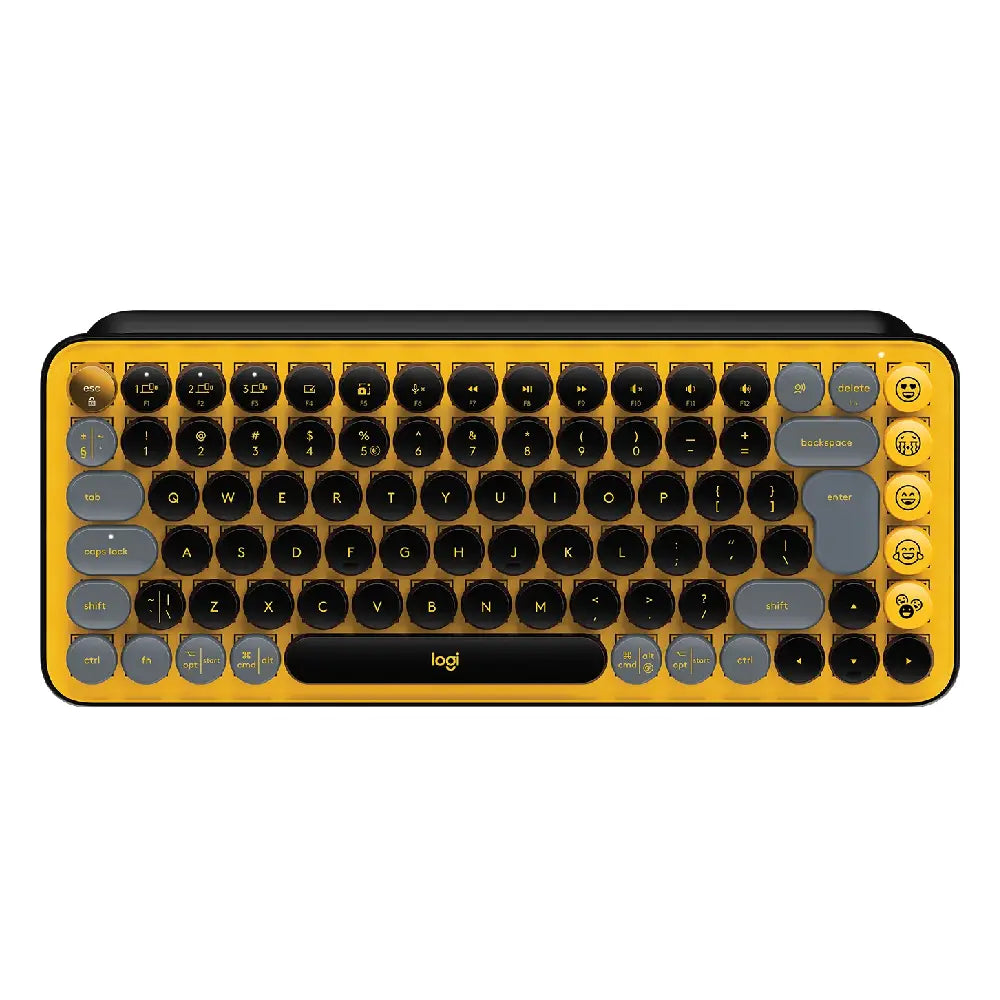






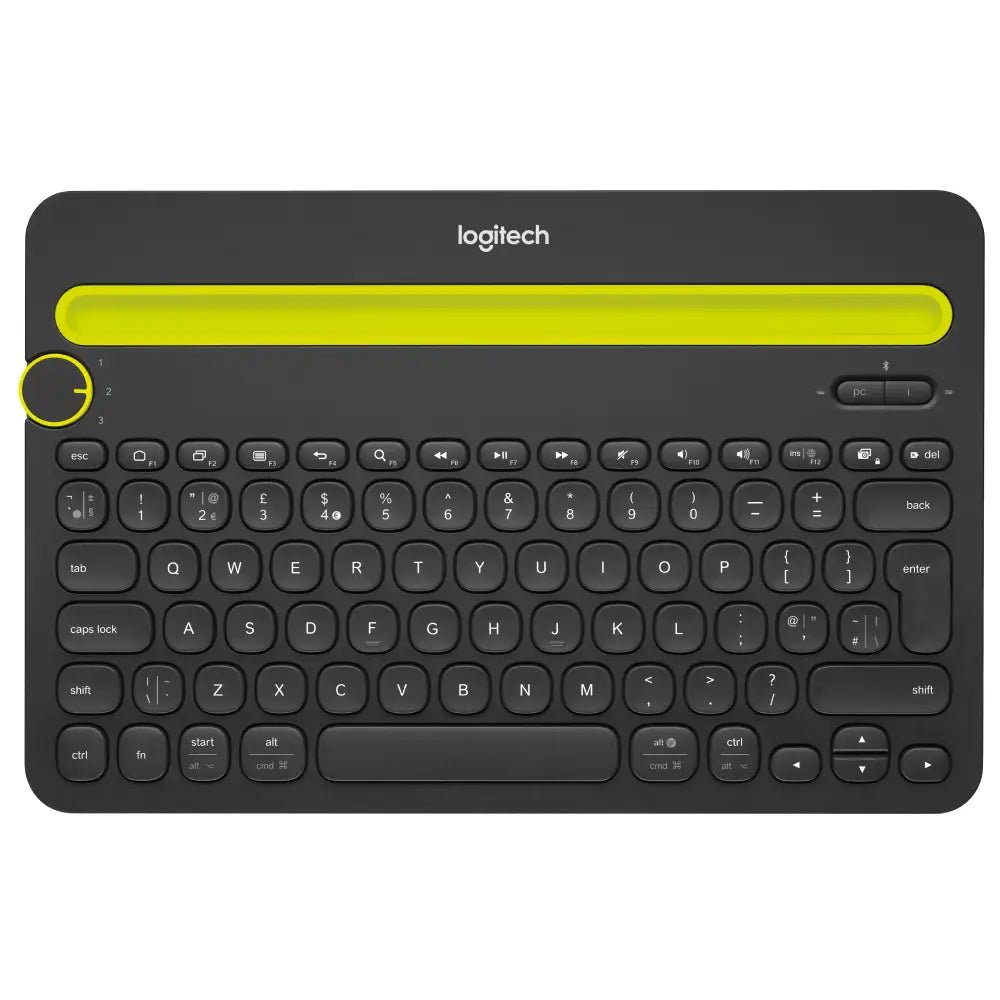


I bought the rose colored keyboard and it paired perfectly with my iPad, iPhone 12 mini, and MacBook Air (2017) 13-inch. To set it up, I held down one of the designated white keys for 3 seconds as instructed, and then selected the keyboard from the Bluetooth devices list, and punched in the 6 digit code onto the keyboard followed by the ”Return” key. Paired like a charm and switches devices easily!I was able to pair the keyboard with my HP work laptop and figured out how to input CTRL+ALT+Delete to unlock Windows. Download the Logi Options+ program and then customize one of the 4 functions at the very top and turn it into a "Delete" button. Then, you have to press FN+Ctrl+Opt+ whatever button you set at the top. For me, it was the equivalent of the F7 button, which I designated as "Delete."One thing to note, on my MacBook Air, I had to follow the prompts to identify the keyboard but selecting the ANSI version worked fine. I was able to write my blog posts using the keyboard easily. All keys and symbols/numbers registered and didn't experience any typos. Can't wait to take this keyboard with me when I travel with my iPad as it's so compact and gives me so much room on my desk.
My many years old Apple Bluetooth keyboard was slowly dying, but I don't like the arrow key configuration of the current Apple model, so I tried this as an alternative. It took less than a day to get used to the slightly different feel of this keyboard, and all the key functions work as they did on the Apple keyboard. The only exception is the fn-Delete shortcut. This does a forward delete on Apple keyboards, but does nothing on this keyboard. Ctrl-Delete is an alternative that does work, but that's more awkward to type, and conflicts with an important shortcut in Android Studio.I tried installing the Logitech Options app to see if I could customize this, but that app didn't recognize this keyboard. I also wrote to Logitech tech support, but they didn't have a solution. The macOS settings don't offer a way to customize this, either. I finally installed Keyboard Maestro, which doesn't allow customizing function keys, but did allow me to map Shift-Delete to Ctrl-D. Then in Android Studio, I changed the Ctrl-D shortcut to Cmd-D.After a few days, I'm still getting used to typing Shift-Delete instead of fn-Delete, but it's not a bad transition because the Shift key is next to the function key. I hit fn-Delete, then remember and slide my pinkie up a key. I think that's the best outcome short of Logitech adding fn-Delete to the standard functionality.I do use the keyboard with an iPad occasionally, so the quick-switch feature is nice. I'm hoping Apple will release an updated keyboard with a better arrow configuration along with new computer models this year. At that point, I'll see how used to this setup I am and how often I use the quick-switch and decide whether to stick with this or go back to Apple. In the latter case, this would still make a fine backup keyboard to keep around.
I really really wanted to like this keyboard. I did a head-to-head comparison with six other top-selling and highly reviewed keyboards on the market to see which would fit my needs best. This one was hands down the QUIETEST of all the keyboards tested. For anyone who values silent typing above all other features, this is the product for you. It also has a great layout and size very similar to the Macbook which made acclimating to typing on this keyboard seamless; I was able to type effortlessly without looking right away because the spacing between keys was perfect. It also had the best functionality since it's able to pair with up to three devices (the Magic Keyboard can't do this), which means I could switch between my Macbook and iPad easily since I use both for work. It's also one-third of the price of the Magic Keyboard. Ultimately though, I chose the Apple Magic Keyboard for one reason and one reason alone -- it's prettier. The rounded keys make the K380 look like a typewriter, and also make it look cheap. With its plastic casing, it also feels cheap compared to the Magic Keyboard's metal surround and streamlined profile. The K380 truly offered everything I was looking for in a near-silent keyboard that paired with multiple devices and typed with ease, so I'm not proud to say I prioritized form over function, but it is what it is. If the K380 were to undergo even a handful of design changes, I would recommend it wholeheartedly.
I adore this keyboard! I'm a full-time student, so I'm at home on my laptop constantly. Whether it's Zoom classes, meetings, homework, or recreation, thanks to the pandemic I feel like I spend 80% of my waking hours on this laptop. Between my distaste for the way Mac keys feel, how sweaty my hands get resting on the warm laptop for hours on end, and the soreness in my neck after looking down at what I'm doing, I've been getting really sick of my laptop keyboard. Because I have a newer Mac with the USB-C ports, I can't just get any old keyboard. I tried a USB-connected Logitech keyboard that I plugged in via a USB/HDMI/SD card --> USB-C adapter, but it was so laggy I put it right in the box to return within 30 minutes. I was nervous lag might be an issue here again, even with Bluetooth, but that's not the case at all. It connected within seconds and has been totally quick and responsive. In addition to functionality, I wanted a keyboard that was visually appealing, I really like the look of the round keys, but some of the really cute keyboards on here made me nervous in terms of quality and customer reviews. So I opted for this one, and I'm so glad I did. It looks nice, and it feels great to type on. The keys are satisfying in their clickiness, but are still soft and quiet enough to not be noisy or obnoxious at all. I was a little nervous that the size of the keyboard, being compact, and the round keys would make it difficult to adjust to typing, but I was typing at regular speed within minutes. I also appreciate that it's specifically designed with Mac keys, since it seems as if most keyboards on Amazon are geared toward Windows computers. I'm also glad it has Mac keyboard shortcuts, this is huge for me working on papers and on Excel all day, and I read some reviews on other keyboards that said they didn't support those features. The device switching seems cool too, though I mainly plan on using it with my laptop so I don't know if I'll mess with that feature much. Because I just got this keyboard today I haven't dealt with battery life or long-term quality, but I'll update my review if any issues arise.Tl;dr -- I love this keyboard. It looks nice, feels great to type on, is responsive and lag-free, and works great with my Mac.
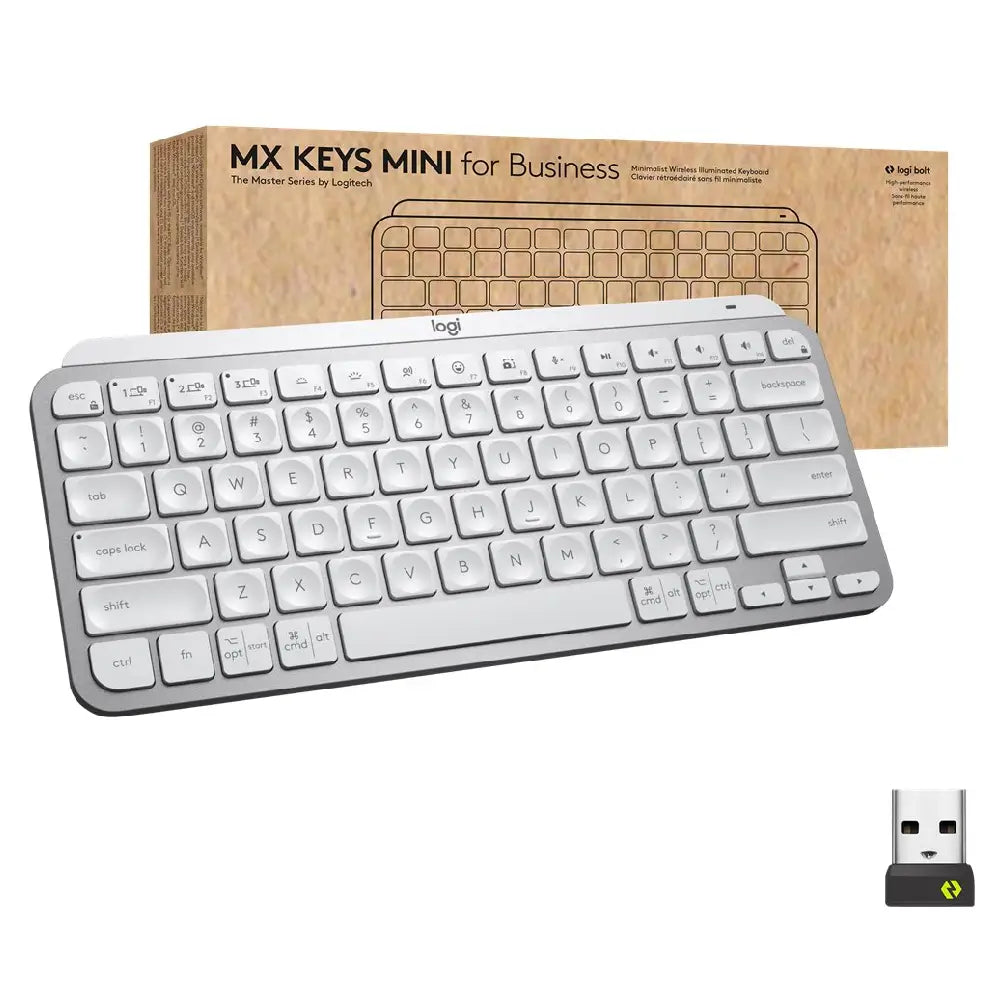
I've only had the keyboard for a day.So far I have really liked the fact that the connection to the laptop is instant. I have had keyboards that cut their connections to save battery life, which means it takes a few seconds for it to wake up, which is annoying. The K380 connection is instant even after idling. Supposedly the batteries also last 2 years which is great. I also like the ability to connect to multiple computers, which in this day and age is a cool feature. i also like the look and feel of the overall keyboard; it feels substantial but not overly heavy. The price is also super competitive.The only thing I do not like about this keyboard is the keys themselves, which arguably is the most important feature of a keyboard. The keys are rounded, and "valley" into the center (like a small bowl). Each rounded key has a smaller area (footprint) than a normal rectangular key, which means now you need typing precision to hit the keys. I also feel that the spacing between keys is smaller than "standard". I tend to overshoot the keys (either go too far left or too far right). On my first day I absolutely hated it, but now onto my second day I feel like I'm slowly getting used to it. I purposely wrote this review using this keyboard to see how smooth my typing experience will be. It's pretty decent.I hope i will get used to this keyboard, because of all the pros in the first paragraph. We'll see. Good thing is I have a month before deciding if I want to return it. It is the first time I'm rooting for a product to succeed.Edit on 11/13/22: I returned the keyboard because i couldnt type well in it, despite all the other pros. I upgraded to the MX Keys Mini ($100...) but it types much better. I think it might just be a preference. The MX Keys Mini is much more expensive, and the battery only lasts up to 5 months with no backlight, but it types much better for me and has all the pros of the K380 except for battery life. Overall, I hope the K380 works for you, because it's such a great product at a small package. Good luck!